
Comnview vs BugHerd: the BugHerd alternative for client feedback
Designers and agencies: if you need clients to comment on websites, designs and PDFs, not a bug tracker, Comnview is the lighter BugHerd alternative: one link, a name and a pin, from $0 instead of $42 a month. If your developers need Jira tickets with browser details, BugHerd stays the better tool.
Sounds familiar?
- You pay for 5 BugHerd seats and use one or two.
- Your client only wants to point at a button, but gets a script on the site, an extension or a task board.
- The build has to be deployed to staging before the client can even see it.
Here’s the fix
- A tool built for client feedback: one link, a name, a pin on the page, design or PDF.
- Local and staging builds captured in your browser, nothing to deploy.
- Free to start, then $9 a month, or $19 for a team of five. If your developers need Jira tickets, we say so: stay with BugHerd.
By Radek Svoboda · Updated · 14 min read
We make Comnview, so read this knowing we are biased.
Table of contents9 sections
TL;DR: a bug tracker or a feedback tool
BugHerd is a website bug tracker built for agencies. Clients pin feedback on a live site, BugHerd records the browser and screen details, and every comment becomes a task on a kanban board that can sync with Jira, Asana or ClickUp. It starts at $42 a month billed yearly ($50 monthly) for 5 members, with no free plan. Comnview is a client feedback tool. You capture a web page (localhost too), upload images or multi-page PDFs, share one link, and clients pin comments with just a name. It has a free plan, and paid plans start at $9 a month billed yearly.
Pick Comnview if
- Your reviewers are clients, not developers, and you want them commenting within seconds of opening the link.
- You need to show a local or staging build without deploying it or giving anyone access to your machine.
- You review images, renders and PDFs as often as websites, and want them on one link.
- You work alone or in a team of up to 5 and want to pay for the seats you use: from $0, or $9 a month.
Stay with BugHerd if
- Ticket sync with Jira, Asana, Linear or ClickUp is the reason you bought it.
- Your developers rely on the browser, OS and screen details captured with every task.
- Your team already runs its QA on BugHerd’s kanban board.
- You want clients to suggest text edits on the page or record video feedback.
Disclosure: Every BugHerd fact below links to BugHerd’s own pricing, feature and help pages, or to its reviews, opened on 21 October 2026. We did not use a BugHerd account for this post, so the BugHerd pictures come from BugHerd’s public pages; the Comnview screenshots are ours. Spotted something out of date? Write to support@comnview.com and we will fix it.
Comnview vs BugHerd at a glance
Prices, plans and the features that decide the choice, as of 21 October 2026.
A tick marks the stronger side on that row; rows without a tick are a tie or a matter of taste. The Comnview column is tinted because this is our page.
BugHerd facts checked on 21 October 2026 against bugherd.com and its help center; each row links to its source. “Not mentioned in BugHerd’s docs” means we could not find it there, not that it is impossible. BugHerd’s pricing page shows extra members at $8 a month billed monthly and at a different rate billed yearly.
What it really costs: $108 against $500 a year
BugHerd prices by plan, and every plan includes a block of members: Standard covers 5 members for $50 a month, or $500 a year billed yearly ($42 a month). Studio covers 10 for $800 a year, Premium 25 for $1,500 a year. Clients and projects are unlimited on all of them, and there is a 60-day money-back guarantee.
Comnview prices by the person or the small team. Free costs nothing and needs no card. Starter is $108 a year for one person, Pro $228 a year for up to 5 users, and teams of 6 or more get a Business quote. Reviewers never count as users on either side.
The catch with BugHerd’s model is the floor: a solo freelancer pays for 5 seats on day one. The catch with Comnview is the ceiling: there is no ticket sync at any price. The table below shows what that means for three typical teams; full plan details are on Comnview pricing.
Sources: BugHerd pricing, BugHerd home page (free trial).
The yearly bill for three typical teams
Yearly prices as listed on 21 October 2026.
| Who | Comnview | BugHerd |
|---|---|---|
| Freelancer, 1 person | $0 to $108 (Free or Starter) | $500 (Standard, includes 5 members) |
| Small studio, 5 people | $228 (Pro) | $500 (Standard) |
| Studio that needs Jira, Asana or ClickUp sync | Not available | $1,500 (Premium, 25 members) |
| Agency, 10 people | Business, priced for your team | $800 (Studio) |
Comnview prices are the yearly rates on comnview.com/pricing; BugHerd’s are the yearly prices on bugherd.com/pricing. See Comnview pricing.
Before you switch: For agencies above 5 users, ask us for a Business quote and compare it with BugHerd’s $800 Studio plan. And if your team needs the ticket sync, the savings will not help you. Where BugHerd is the better choice
Is Comnview a good BugHerd alternative?
For client feedback, yes. For bug tracking with ticket sync, no. That one line decides most of this comparison.
If the job is getting a client to point at a headline, a render or page 4 of a PDF and say what should change, Comnview does it for a fraction of the price: one link, a name, a pin. If the job is turning every comment into a Jira ticket with the browser and OS attached for a developer, BugHerd is built for that and Comnview is not.
A quick test: if you have ever paid for 5 seats while working alone, or wished you could show a client the build on your laptop without deploying it, read on. If your developers would be lost without the Jira sync, skip to where BugHerd is the better choice.
Side by side, task by task
The jobs you do every week, in Comnview and in BugHerd, each with a verdict.
Getting a client to comment on a website
Both tools put a pin on the exact element. The difference is whether the client comments on the live site or on a copy you sent.
Comnview
- Paste the address on comnview.com, or click the extension on the page, and Comnview captures it: a frozen copy of the page plus a full-page picture.
- You send one link. The client types a name and pins comments on the copy.
- Nothing goes on your site, so there is no script to add or remove after launch.
BugHerd
- Add BugHerd’s JavaScript snippet or WordPress plugin to the site, or use the browser extension, then share the project.
- Clients pin feedback on the live page, and BugHerd records the browser, operating system and screen resolution with each task.
- It is built for this, and it works well on a site you control.
Sources: BugHerd help: sharing with your client, BugHerd features
VerdictBugHerd if you want feedback on the live, changing site with technical details. Comnview if you want nothing installed on the site and a stable version for the client to review.
Showing a build that is not deployed yet
Both tools work on localhost and staging. What differs is who has to be able to reach the address.
Comnview
- The Chrome extension captures what your browser shows, including localhost:3000 and pages behind a login, on every plan.
- It turns the capture into a link anyone can open. Your client never needs access to your machine or your staging server.
- You keep building while the client reviews the version you sent. More on this on the website feedback tool page.
BugHerd
- BugHerd works on any site you can open in a browser, internal sites and local developer domains included.
- Its help center adds that everyone you share the project with must also have access to the site.
- For a client outside your network, that usually means deploying to a staging server first.
VerdictComnview. Sharing a local build with a client, without deploying it, is the job it was built for.
Feedback on designs, images and PDFs
Websites are only half the work for most studios. Both tools take images and PDFs; the workflow around them differs.
Comnview
- Drop or paste images (several become slides on one link) or upload a PDF of up to 100 pages, then share.
- Clients pin comments on any page; you draw arrows, boxes and highlights to explain. See the image feedback tool.
- On Pro, upload a new version, or replace a single page, and every comment stays on its spot.
BugHerd
- Upload an image, a PDF or a Figma prototype to the Deliverables tab.
- Share one access link and collect feedback on each file.
- Design feedback lands on the same board as website tasks.
VerdictA tie on the basics. Comnview is cheaper for teams that review mostly images and PDFs and keeps versions on Pro; BugHerd keeps designs and website tasks on one board and takes Figma prototypes.
What your client has to do
Every extra step costs you feedback. Here is the path from the link to the first comment.
Comnview
- Open the link in any browser, on a laptop or a phone.
- Type a name once. Email is optional, only for reply notifications.
- Pin a comment. Nothing to install, no account.
BugHerd
- Clients give a name and an email on first use, and BugHerd remembers them for next time.
- No sign-up: BugHerd creates the account in the background.
- If the snippet or plugin is not on the site, clients are prompted to install a browser extension first.
Sources: BugHerd help: sharing with your client, BugHerd: client collaboration
VerdictComnview, by a small margin. Both let clients comment without signing up; Comnview asks for less and never asks for an extension.
Turning feedback into work for your team
This is where BugHerd earns its price. If your developers live in a ticket tracker, read this part twice.
Comnview
- Comments land in Open and Resolved lists with threaded replies; resolve each one as you fix it.
- Email notifications come grouped, so nobody gets one email per comment.
- No ticket sync. On Pro, export the comments as a PDF report or a CSV.
BugHerd
- Every comment is a task on a kanban board, with a screenshot and the technical details.
- Prioritize, assign and track tasks; Premium adds feedback deadlines and a guest task board.
- On Premium, tasks sync with Jira, Linear, Asana, ClickUp, Monday and Teamwork; Slack, Trello, GitHub, Zapier and Make start on Standard.
Sources: BugHerd features, BugHerd pricing
VerdictBugHerd, clearly. If your developers need tickets in Jira, Comnview is not that tool.
Price for a small team
The numbers from the cost table, side by side.
Comnview
- $0 on Free, $108 a year for one person on Starter.
- $228 a year for up to 5 users on Pro, with versions, comment export and a team workspace.
BugHerd
- $500 a year for up to 5 members on Standard.
- $1,500 a year on Premium if you need the Jira, Asana or ClickUp sync.
Sources: BugHerd pricing
VerdictComnview. For client feedback alone, it costs about a fifth of BugHerd for a solo freelancer and less than half for a 5-person studio.
What BugHerd users say
BugHerd is well liked. On G2 it holds 4.7 out of 5 from 218 reviews, and on Capterra 4.7 out of 5 from 65 reviews. The points below come from reviews we could read on Capterra.
What they like
- Clients who are not technical can point and click, and the screenshot is taken for them.
- The browser details and a screen grab are logged automatically.
- It has the features a review needs without piling on ones you do not.
What they complain about
- Seat limits: smaller teams find the number of users per plan limiting for the price.
- Mobile: reviewers on iOS describe extra steps before they can leave feedback.
- Occasional glitches, such as tasks moving back to their earlier status.
Ratings checked 21 October 2026: BugHerd on Capterra, BugHerd on G2.
Where BugHerd is the better choice
Be honest with yourself about what you need. BugHerd is the better pick if:
- Your developers want every client comment as a ticket in Jira, Asana, Linear, ClickUp or Monday.
- You need the browser, OS and screen resolution recorded automatically to reproduce bugs.
- You want clients to suggest text edits right on the page, or record a short video with audio.
- You run user acceptance testing on large sites and want a kanban board with deadlines for it.
- You need SSO or an uptime SLA on an enterprise plan.
Comnview does not try to replace a bug tracker. If that list describes your week, BugHerd, or another of the BugHerd alternatives with ticket sync, will serve you better. Our comparison of website feedback tools covers both kinds.
Moving from BugHerd takes a few minutes
- 1
Capture or upload
Paste the site’s address, or click the extension on any page, localhost included. Drop in the designs and PDFs from your Deliverables tab.
- 2
Send one link
Your client opens it in any browser, types a name and pins comments. Nothing to install.
- 3
Resolve as you fix
The Open list is your to-do list. Resolve each comment when it is done.
Sign up free, no card needed, and add the Chrome extension for local and private pages. Open BugHerd tasks stay where they are: finish them there and start the next round in Comnview.
Frequently asked questions
Is there a free BugHerd alternative?
Yes. Comnview has a free plan with no card: 3 projects, 3 website captures from a pasted link to try, the Chrome extension for local and private pages, guest comments and password-protected links. BugHerd offers a 7-day free trial with no card and a 60-day money-back guarantee, but no free plan.
What are the best BugHerd alternatives?
It depends on what you use BugHerd for. For client feedback on pages, designs and PDFs, Comnview is the lightest and cheapest option. For bug reporting with ticket sync, look at tools built around Jira and technical metadata. Our comparison of website feedback tools covers both kinds.
Can Comnview replace BugHerd for bug tracking?
No. Comnview has no kanban board, no automatic browser or OS details and no Jira or Asana sync. It is for collecting clear client feedback, not for managing a QA backlog.
Do clients need an account in Comnview?
No. They open the link, type a name once and comment. An email address is optional and only used for reply notifications.
Does Comnview work on localhost?
Yes. The Chrome extension captures the page your browser shows, including localhost, staging and pages behind a login, and gives you a link your client can open without access to your machine.
Does Comnview need a script on my website?
No. Comnview captures the page from a pasted link or with the extension, so nothing is installed on the site.
Can I import my BugHerd tasks?
There is no importer. Capture the pages again or upload the files, send the new link, and finish the open BugHerd tasks where they are.
How much does BugHerd cost?
On 21 October 2026, BugHerd Standard costs $50 a month, or $42 a month billed yearly, for 5 members. Studio costs $80 a month for 10 members and Premium $150 a month for 25, and Custom is priced on request. There is no free plan.
All sources (9), checked 21 October 2026
- BugHerd pricing (checked 21 October 2026)
- BugHerd home page (free trial) (checked 21 October 2026)
- BugHerd features (checked 21 October 2026)
- BugHerd: client collaboration (checked 21 October 2026)
- BugHerd: feedback on designs and deliverables (checked 21 October 2026)
- BugHerd help: internal websites or localhost (checked 21 October 2026)
- BugHerd help: sharing with your client (checked 21 October 2026)
- BugHerd on Capterra (checked 21 October 2026)
- BugHerd on G2 (checked 21 October 2026)
BugHerd is a trademark of its owner. Comnview is not affiliated with BugHerd. Prices are as shown on each vendor’s page on 21 October 2026 and may differ by country. Comnview screenshots taken by us; BugHerd pictures are screenshots of BugHerd’s public pages, cropped without its logo.
More from the blog
 Comparison
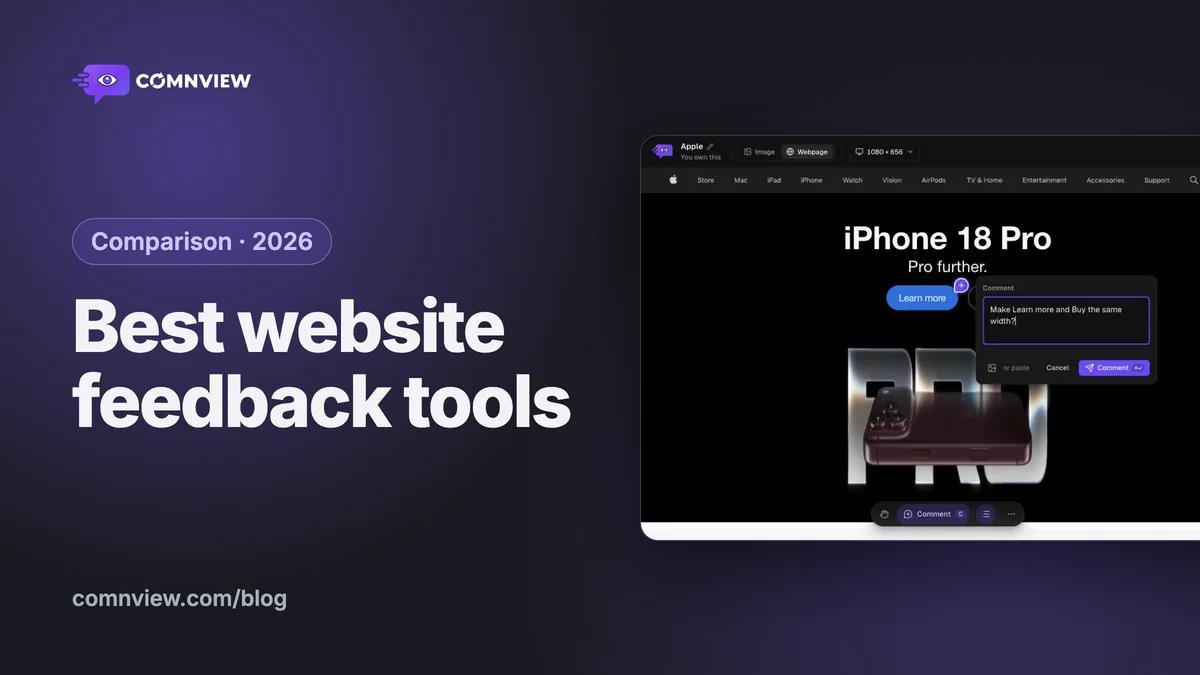
The best website feedback tools in 2026
Ten website feedback tools compared honestly: what each costs, how clients leave feedback, staging and localhost, files, and where the feedback goes next.
· 12 min readRead
 Comparison
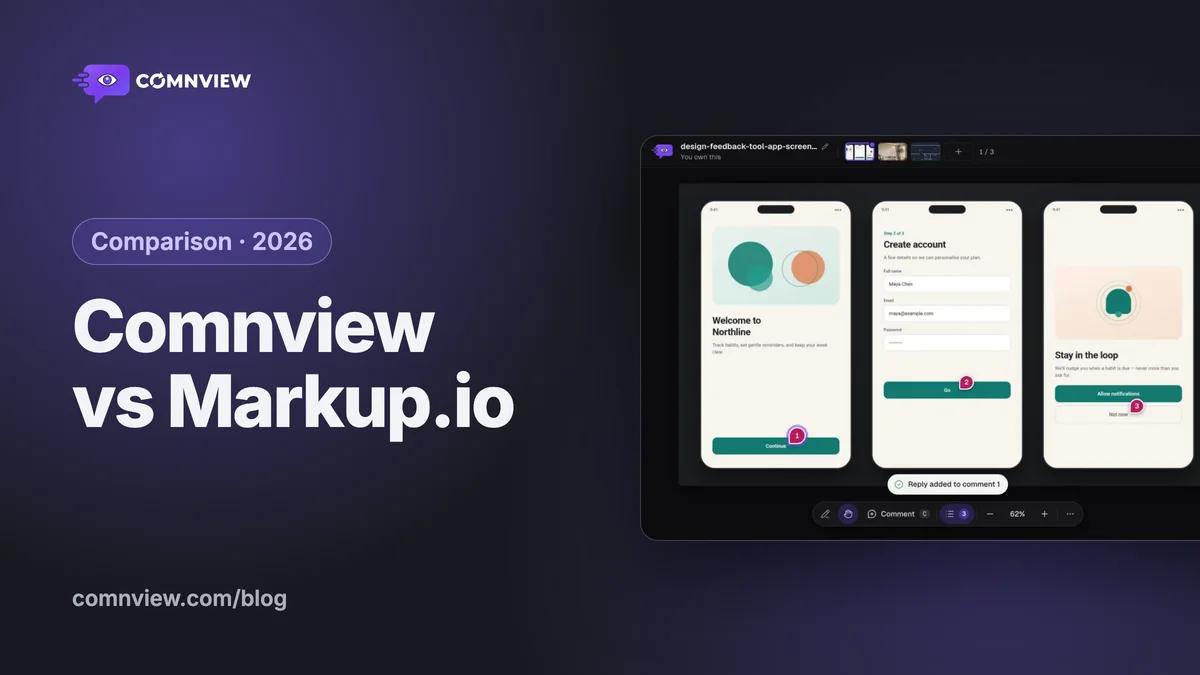
Comnview vs Markup.io: the free Markup.io alternative
The same review in both tools, side by side: what each costs, what your client needs to comment, files, websites (localhost too), versions and teams.
· 12 min readRead
 Guide
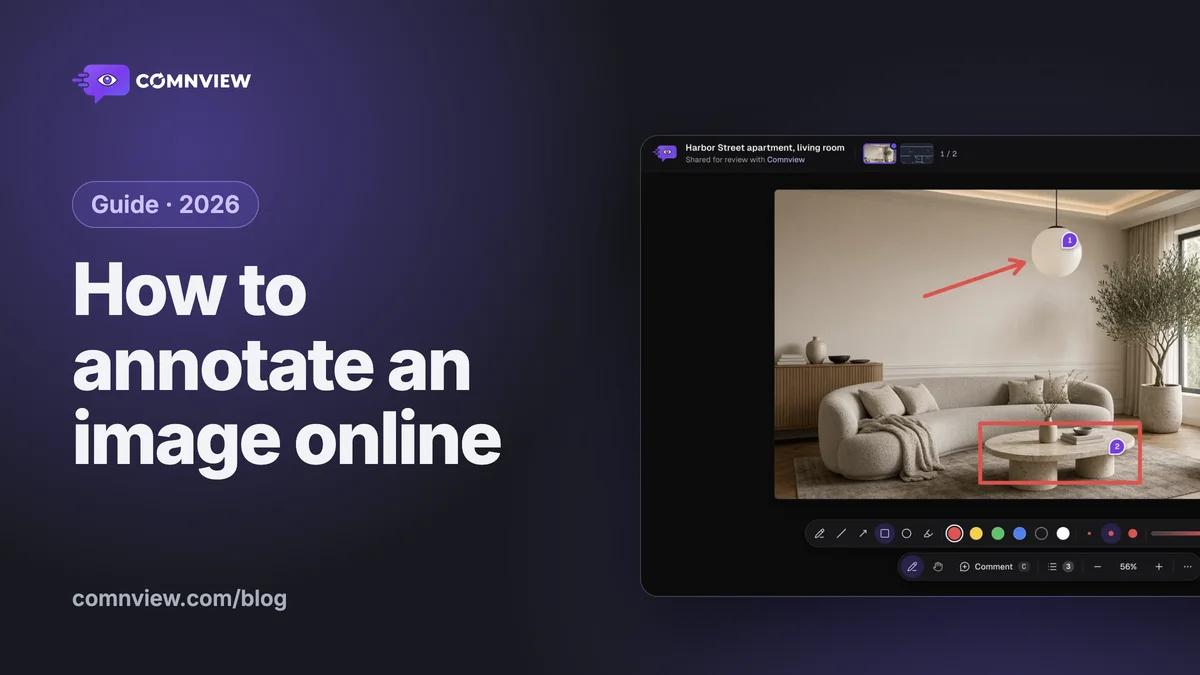
GuideHow to annotate an image online, free
Drop or paste a picture or a screenshot, pin comments and arrows on the exact spot and send one link: a step-by-step guide with screenshots, six ways compared, and screenshots of localhost or logged-in pages.
· 10 min readRead