AI design audit with Claude or ChatGPT: websites, screens and PDFs
Connect Comnview to Claude or ChatGPT over MCP and ask for an AI design audit of a web page, a set of screens or a PDF: the agent looks at all of it, pins each issue where it is, and sends it to your client when you say so. Below: the chat-app path first, then Claude Code.
Sounds familiar?
- A first review of a page, a set of screens or a brochure takes hours before you write a single fix.
- AI chats give you a wall of advice with no idea where on the design it applies.
- Findings travel as screenshots in a doc, then get explained again on a call.
Here’s the fix
- An AI design audit that looks at the real thing and pins each issue where it is.
- You watch the agent work and keep only what you agree with.
- One link to your client, who answers each point in place.
By Radek Svoboda · Updated · 10 min read
Table of contents9 sections
TL;DR: an AI design audit in four moves
The agent does the first pass. You stay the reviewer, and your client gets one link instead of a document.
Connect
Add Comnview to Claude or ChatGPT as an MCP connector, or to Claude Code with one command. You sign in once.
Ask
“Do a design audit of https://your-site.com in Comnview”, or of a project you already uploaded: screens, a brochure, a price list.
Watch
Open the link it gives you: its status and each new pin appear as it works. Keep, edit or delete what it says.
Send
“Send it to anna@client.com.” It asks you to confirm, then your client gets the link from you.
What an AI design audit in Comnview does
Comnview is where clients review websites, images and PDFs by pinning comments on them. An AI agent can now do the same through MCP, the Model Context Protocol, an open standard for connecting AI apps to tools. Connected, the agent works in your Comnview account as you: it can capture a web page, look at a project, pin comments, reply and send it for review.
For an AI design audit it looks at the real design, not a description of it. A web page it captures first (a copy of the page plus a full-page picture) and reads its structure: headings, buttons, links, form fields and images. Screens and pictures it looks at part by part. A PDF it sees page by page, drawn as it prints. Then it pins each issue where it is, the way a person would: on the headline, on the second button, on the price that is formatted three different ways.
While it works, anyone with the project open sees what it is doing (“Claude · Commented on heading 1”) and every pin as it lands. That is the difference from asking a chat to “review my design”: the findings are on the design, numbered, and your client can answer each one.
Sources: Model Context Protocol: introduction
What it gives you
A first pass in minutes
The agent goes through every page while you do something else. You spend your time judging the findings, not finding them.
Feedback where it belongs
Each issue is pinned on its spot. No screenshots in a doc, no “which button?” on the call.
Your client in the loop
One link, comments without an account. They reply under each point and you resolve them as they are fixed.
You stay in charge
Watch it work, then keep, edit or delete what it says. It asks before it sends anything to anyone.
Websites, screens and PDFs: what an AI design audit covers
The same review works on everything Comnview opens, so one habit covers most of what a studio or a marketing team sends out.
- Websites and landing pages. A public page the agent captures itself; localhost, staging and pages behind a login after you capture them with the Chrome extension. It looks at hierarchy, calls to action, copy, spacing and accessibility, and pins on the exact element. More on reviewing websites in the website feedback tool and how to annotate a website.
- Screens and designs. Exported screens of an app or a flow, uploaded as pictures on one link. The agent compares them for consistency and pins at the spot on each screen. See the design feedback tool.
- PDFs: brochures, price lists, decks, reports. It sees each page as it prints and reads its text, so it catches what a proofreader and a designer would: inconsistent price formats, type too small to read, a call to action nobody will find.
- Images. Posters, social graphics, packaging, photos of a room or a plan: pinned at the spot, like a client would. See the image feedback tool and how to annotate an image online.
Path 1: an AI design audit in Claude or ChatGPT (no code)
For designers, account managers and marketing teams who live in a chat app. Comnview Pro or Business, the 7-day trial included.
Add Comnview as a connector
In Claude, add a custom connector under Customize › Connectors with the address https://comnview.com/mcp, then sign in to Comnview and choose Allow (Claude’s guide); on Claude’s Free plan you can add one custom connector. In ChatGPT, add it as a custom MCP server: full write access (pinning comments, sending) is on Business, Enterprise and Edu workspaces, and on other plans OpenAI limits custom servers to reading (OpenAI’s guide). The Comnview agents page has the address to copy.
Pick what the agent may do when you allow it: read only, read and reply, or full. An audit needs at least read and reply; capturing a site and sending need full.
Give it something to review
A web address it can capture, or a project you already have in Comnview: upload the screens, the brochure or the price list on comnview.com first and copy its link. Then type something like: “Do a design audit of this price list in Comnview. Focus on readability and the prices. Pin 5 to 10 issues, most important first.” If your app shows the connector’s prompts, Design audit asks for the address or link and an optional focus.
Give it a focus (sign-ups, readability, brand consistency, accessibility) and a number. Ten clear points beat fifty vague ones.
Watch it work
The agent answers with the project link. Open it: you see the agent’s status in the top bar and each comment arrive, numbered like any other pin. A website capture takes up to a minute first. Live updates are part of Pro.
Review what it found
Read each pin. Reply where you want to add something, edit or delete what you disagree with, and ask the agent for more on any area (“look harder at page 2”). Its comments show as yours, or as yours via Claude if you turn that on in Profile › Agents.
Send it to your client
“Send it to anna@client.com with a short note.” The agent proposes the note, waits for your yes, then Comnview emails your client their own link, from you, with replies going to your address. Up to five people per send.
What your client gets: your note and one button.
Path 2: an AI design audit in Claude Code (and fix what it finds)
For developers and design engineers who want the agent to change the work too. Cursor, Codex and other agents work the same way with a token.
Connect in one command
Run claude mcp add --transport http comnview https://comnview.com/mcp && claude mcp login comnview. Your browser opens Comnview: sign in and allow it. No token to copy. For Cursor, Codex or scripts, make a token in Profile › Agents instead.
Run the audit prompt
Type /mcp__comnview__design_audit https://staging.your-site.com, or a Comnview project link, in Claude Code. It runs the same review as in the chat apps: look at all of it, pin the issues, summarize. Add a focus after the address if you want one.
Let it fix the code
Then ask: “Fix the first three in this repo and reply on each comment with what changed.” Claude Code reads each pinned comment with what it points at, finds the code, makes the change and replies “Fixed: the headline now says what we sell”, resolving the ones it fixed. It shows you the replies before posting unless you told it to go ahead.
A website capture is a snapshot. After you deploy the fix, capture the page again (a new link) to check it, or capture it with the Chrome extension while it runs on localhost.
Fix PDFs and designs on the same link
For a PDF or exported screens, Claude Code downloads the file, changes the source it was made from (or tells you what to change in your design tool), and uploads the corrected file as a new version on the same link. Comments stay where they were, and your client sees version 2.
Pages that are not public
The agent captures public pages only. For localhost, staging behind a login or a page that needs your session, capture it with the Comnview Chrome extension and give the agent the link: it looks and comments just the same.
Chat apps or Claude Code: what each can do
The same Comnview tools on both. What differs is whether the app has a terminal for files and code.
| Task | Claude or ChatGPT | Claude Code, Cursor, Codex |
|---|---|---|
| Capture a public web page | Yes | Yes |
| Look at a page, screens or a PDF | Yes | Yes |
| Pin comments where the issues are | Yes (full write access in ChatGPT on Business, Enterprise, Edu) | Yes |
| Reply, resolve, reopen | Yes | Yes |
| Send for review by email | Yes, after you confirm | Yes, after you confirm |
| Download the file or the page’s HTML | No (no terminal) | Yes |
| Upload a corrected PDF or picture as a new version | No | Yes (Pro, the project’s owner) |
| Change your code | No | Yes, in your repo |
| Localhost and pages behind a login | After a Chrome extension capture | After a Chrome extension capture |
How the agent sees a design, and where it falls short
The agent does not guess from a description. For a captured page it gets the elements in reading order (each heading, link, button, field and image, with its text), a few facts a reviewer starts from (how many H1s, images without alt text, links without text, fields without labels, skipped heading levels) and the full-page picture in parts. It pins a comment on an element by its place in that list, so the pin stays on the element at any screen size. For pictures it looks at each part; for a PDF, at each page as drawn, with its text.
It is a first pass, not a verdict. A website capture is a frozen copy, so it cannot click through a checkout or see what scripts change after a click. It judges colour, contrast and spacing from the picture, which is good enough to flag light grey text but not to measure it: check the numbers before you quote a WCAG failure to a client. And it knows nothing about your audience, brand rules or goals unless you tell it, which is why the focus in your request matters.
Tips for an AI design audit your client acts on
Say who it is for
One line about the audience and the goal (“first-time buyers, we want test-drive bookings”) turns generic advice into findings about your design.
Ask for fewer, better points
Five to twelve issues, most important first, each with why it matters and a concrete fix. Ask for more on one page or screen later.
Give it your rules
Paste the brand’s type sizes, colours or tone of voice into the request. The agent then checks the design against them, not against taste.
Read before you send
Delete what you would not say yourself. The client reads it as your review, whether or not it says “via Claude”.
Keep the conversation on the pins
When the client replies, answer in the same thread. Resolve each point when it is fixed, so the Open list is the to-do list.
Frequently asked questions
Which Comnview plans include the AI design audit?
Connecting an agent (MCP) is part of Pro and Business, and the 7-day trial new accounts get counts as Pro. Watching the agent work live is part of Pro too. Your clients need no account and no plan to read the comments and reply.
Does it work with ChatGPT?
Yes, as a custom MCP server. OpenAI gives custom servers full write access (pinning comments, sending) on ChatGPT Business, Enterprise and Edu; on other plans they are limited to reading. Check OpenAI’s help center for your plan, since it changes.
Which files can it review?
Public web pages it captures itself, and anything you put in Comnview: pages captured with the Chrome extension (localhost and logged-in pages too), images and screens (PNG, JPG, WebP), and PDFs. It sees PDF pages as they print and reads their text.
Will my client know an AI wrote the comments?
That is your choice. By default the agent’s comments show as yours. In Profile › Agents you can name the agent and show it on its comments and replies (“John Doe via Claude”).
Does the agent post or send anything without asking?
Claude and ChatGPT ask before each action that writes, and the agent is told to confirm addresses before sending. You also choose its access when you connect it: read only, read and reply, or full. Sending and capturing need full.
Can it fix the issues it finds?
In Claude Code or another coding agent, yes: it changes your code or files, uploads a corrected PDF or picture as a new version, and replies on each comment with what it changed. In a chat app it can comment and reply, not edit your files.
Does an AI design audit replace a designer?
No. It is a fast first pass that catches common problems: unclear headlines, competing calls to action, inconsistent formats, type that is too small, low contrast, unlabeled fields. Judging what matters for your audience and your brand is still your job, and the review your client trusts is the one you stand behind.
All sources (4), checked 25 October 2026
- Claude Help Center: get started with custom connectors using remote MCP (checked 25 October 2026)
- OpenAI Help Center: connecting custom MCP servers in ChatGPT (checked 25 October 2026)
- Model Context Protocol: introduction (checked 25 October 2026)
- W3C: understanding contrast (minimum) (checked 25 October 2026)
Facts about Claude and ChatGPT come from their own help centers, checked on 25 October 2026. Screenshots show findpreset.com (captured with its owner’s permission) and a price list for a made-up car maker, with comments posted through Comnview’s MCP tools.
More from the blog
 Guide
Guide25 website feedback questions to ask clients
Questions for the client reviewing a site you are building, grouped by stage from first impression to sign-off, worded so they do not lead, plus a form template and feedback examples.
· 9 min readRead
 Guide
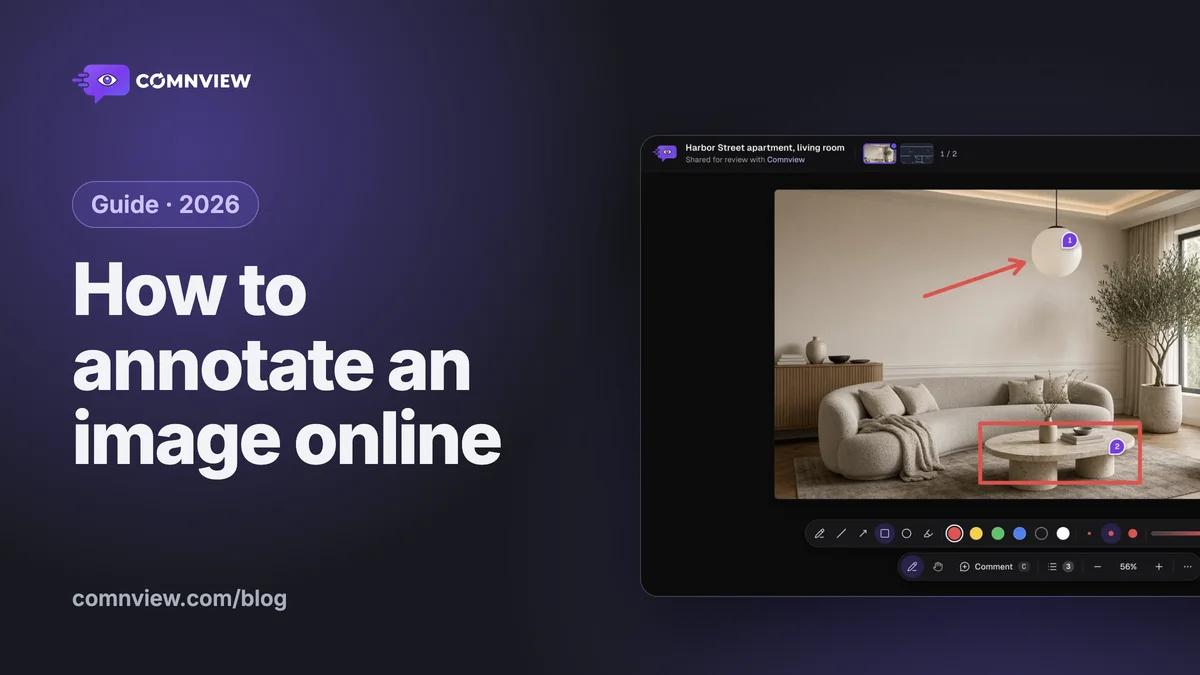
GuideHow to annotate an image online, free
Drop or paste a picture or a screenshot, pin comments and arrows on the exact spot and send one link: a step-by-step guide with screenshots, six ways compared, and screenshots of localhost or logged-in pages.
· 10 min readRead
 Guide
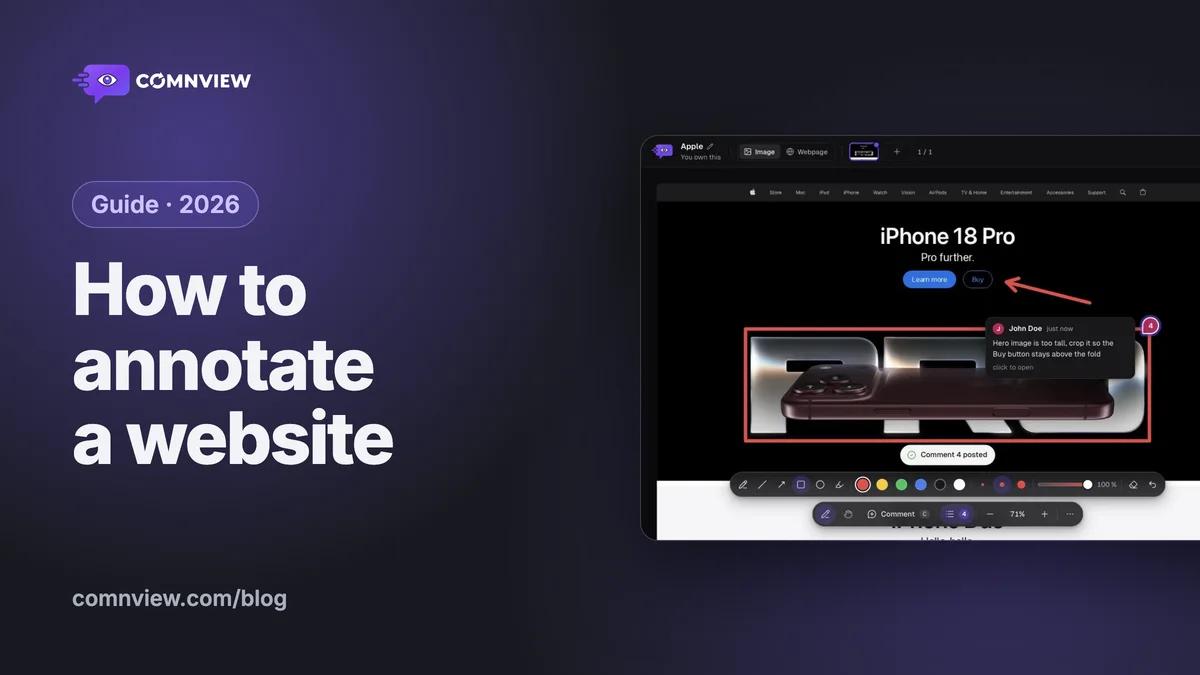
GuideHow to annotate any website, free
Paste a link, pin comments on the exact element and send one link: a step-by-step guide with screenshots, plus localhost, staging and tips for feedback that gets acted on.
· 9 min readRead