
Comnview vs Pastel: a Pastel alternative for client feedback
Web designers and agencies: Pastel is the closest tool to Comnview, and both open your live site with nothing installed. If you mostly need clients to pin comments, Comnview is the cheaper Pastel alternative: a name instead of an email, localhost covered, from $0 instead of $29 a month. For approvals, video review and integrations, Pastel stays the better tool.
Sounds familiar?
- Pastel Pro costs $29 a month billed yearly for 2 users, and 5 users means Team at $99.
- Every client has to type an email address before the first comment.
- When a site won’t load through the proxy, every client has to install Pastel’s Chrome extension.
Here’s the fix
- The live site from a pasted link, just like Pastel, plus a snapshot: the page frozen as you shared it.
- Clients type a name, email optional. Local and signed-in pages are captured in your browser, so clients install nothing.
- Free to start, then $9 a month, or $19 for up to 5 users. If you need approvals, video review or Jira exports, we say so: stay with Pastel.
By Radek Svoboda · Updated · 13 min read
We make Comnview, so read this knowing we are biased.
Table of contents9 sections
TL;DR: two live-site tools, one much bigger
Pastel is the closest tool to Comnview we have compared. Both open your live site from a pasted link, with nothing installed on it, and let clients comment without an account. Pastel adds a full review workflow: approvals, unlimited versions, statuses, deadlines, video and email review, and integrations on Team. Its free plan covers 1 user and 1 active canvas; paid plans start at $29 a month billed yearly ($35 monthly) for 2 users. Comnview is the lighter client feedback tool. A snapshot keeps the page frozen as you shared it, the Chrome extension captures localhost and signed-in pages, and clients pin comments on sites, images and PDFs with just a name. It has a free plan, and paid plans start at $9 a month billed yearly.
Pick Comnview if
- Your clients should comment with just a name, giving an email only for reply notifications.
- You show local builds, or sites a proxy can’t reach, and your clients should never have to install anything.
- You want the live site plus a snapshot of the page, with arrows and boxes drawn on top.
- You work alone or in a team of up to 5 and want to pay $0 to $19 a month, not $29 to $99.
Stay with Pastel if
- Each reviewer has to approve or request changes on the record, and you track who did in one tab.
- You want unlimited versions, approvals and feedback deadlines on a free plan.
- You review videos and marketing emails as well as websites.
- Feedback has to reach Trello, Asana, Jira, ClickUp or Monday, or you need SAML SSO.
Disclosure: Every Pastel fact below links to Pastel’s plans page, its help centre or its reviews, opened on 31 October 2026. This post is about Pastel, the website feedback tool at usepastel.com, not the accounting software with a similar name. We used no Pastel account, so the Pastel picture comes from its public plans page; the Comnview screenshots are ours. Spotted something out of date? Write to support@comnview.com and we will fix it.
Comnview vs Pastel at a glance
Prices, plans and the features that decide the choice, as of 31 October 2026.
A tick marks the stronger side on that row; rows without a tick are a tie or a matter of taste. The Comnview column is tinted because this is our page.
Pastel facts checked on 31 October 2026 against usepastel.com and its help centre; each row links to its source. “Not mentioned” means we could not find it there, not that it is impossible.
What it really costs: $228 against $1,190 a year for 5 people
Pastel prices by plan, with users included. Free gives 1 user and 1 active canvas. Pro costs $29 a month billed yearly (“Billed at $350/year”), or $35 monthly, for 2 users and 3 active canvases. Team costs $99 a month billed yearly ($1,190 a year), or $119 monthly, for 5 users and unlimited canvases, plus $24 per extra user; the project-tool exports start here. Enterprise starts at 10 users for $450 a month, billed yearly. Reviewers, comments and versions are unlimited on every plan.
Every paid plan has a 14-day trial with no card. Paying yearly gives 2 months free, and non-profits get 20% off. If you cancel, you keep access to the end of the billing cycle, then drop to Free with read-only canvases.
Comnview prices by the person or the small team: Free costs nothing, Starter is $108 a year for one person, Pro $228 a year for up to 5 users. Reviewers never need a seat, and you get a full refund within 14 days of paying. Details on Comnview pricing.
Sources: Pastel plans and pricing, Pastel help: how the free trial works, Pastel help: discounts for new users, Pastel help: when you cancel or a trial ends.
The yearly bill for four typical teams
Yearly prices as listed on 31 October 2026.
| Who | Comnview | Pastel |
|---|---|---|
| Freelancer with a few clients at once | $0 to $108 (Free or Starter) | $0 for 1 active canvas, then $350 (Pro, 3 canvases) |
| Two partners | $228 (Pro, up to 5 users) | $350 (Pro, 2 users) |
| Studio, 5 people | $228 (Pro) | $1,190 (Team, 5 users) |
| Team that sends feedback to Jira or Asana | Not available | $1,190 (Team) |
Comnview prices are the yearly rates on comnview.com/pricing; Pastel’s are the “Billed at” yearly amounts on usepastel.com/plans. See Comnview pricing.
Before you switch: If your reviewers approve on the record, or your feedback has to land in Jira or Asana, Pastel earns its price and Comnview will not replace it. Where Pastel is the better choice
Is Comnview a good Pastel alternative?
For client comments on websites, designs and PDFs at a low price, yes. For approvals, video review and integrations, Pastel is the stronger tool.
Both open the live site from a pasted link, with nothing installed, and neither asks clients for an account. Pastel asks reviewers for an email, runs a full approval flow and reviews video and email. Comnview asks for a name only, keeps a snapshot of the page, and captures localhost and signed-in pages in your browser.
If you pay for Pastel Pro or Team mainly so clients can pin comments, Comnview does that job for less. If approvals, free unlimited versions or the Jira export are why you chose Pastel, stay and skip to where Pastel is the better choice.
Side by side, task by task
The jobs you do every week, in Comnview and in Pastel, each with a verdict.
Getting a client to comment on a live site
Here the two tools work almost the same way: paste an address, the live site opens, and nothing goes on the site.
Comnview
- Paste the address on comnview.com and the live site opens in Comnview. Comnview also keeps a snapshot: the page frozen as you shared it. The live site is the site as it is today; the snapshot still shows what each comment was made on.
- Send one link. The client types a name, clicks through the site and pins comments; the panel groups them by page.
- When a commented element is gone from the live site, the comment says so and can still show it on the snapshot.
Pastel
- Pastel layers comments on the live site through its own proxy. A canvas is “not a snapshot or a copy” and follows the site as it changes.
- One canvas holds the whole site. Reviewers switch between Browse and Comment modes to move around it.
- Each comment keeps a screenshot, the browser and the screen size.
Sources: Pastel plans and pricing, Pastel help: reviewing websites, Pastel help: basics of commenting, Pastel help: bookmarklet and shortcuts
VerdictClose to a tie. Pastel adds browser details and a responsive view to every comment; Comnview keeps a snapshot of the page.
Local builds and sites the proxy can’t reach
A proxy can only show what it can reach. Both tools have a plan B, and they ask different people to do the work.
Comnview
- The Chrome extension captures what your browser shows: localhost:3000, staging and pages behind a login, on every plan.
- You install it once. Your client installs nothing: they open the link like any other.
- A site that can’t be shown live opens as a snapshot instead. More on the website feedback tool page.
Pastel
- For sites behind a VPN or firewall, or that don’t render through the proxy, Pastel has a Chrome extension. Every team member and client who opens that canvas has to install it too.
- Password-protected staging works if Pastel’s servers can reach it, which may mean allowing its 9 IP addresses.
- Localhost is not mentioned for website canvases. An AI agent can upload built HTML files, folders or a zip instead, with no deploy.
Sources: Pastel help: the Chrome extension, Pastel help: allowing Pastel’s IP addresses, Pastel help: HTML files from your AI agent
VerdictComnview, for showing a local or hard-to-reach build to a client who installs nothing. Pastel keeps such sites live, but every reviewer needs its extension.
What your client has to do
Neither tool asks for an account or an install on a normal site. The difference is one field.
Comnview
- Open the link in any browser, on a laptop or a phone.
- Type a name once; email is optional, for reply notifications.
- Pin a comment. No account, no extension, no email required.
Pastel
- Clients give a name and an email. Pastel says that does not sign them up for an account.
- Guests don’t count as users. They comment, see and reply to visible comments, on any device with a browser.
- Private comments, deadlines, integrations and exports stay with your team.
Sources: Pastel help: getting feedback from clients, Pastel help: team users and guest reviewers, Pastel features
VerdictComnview, by a small margin: both skip the account and the install, and Comnview also skips the email address.
Approvals, statuses and deadlines
This is where Pastel pulls ahead, and it does so on every plan.
Comnview
- Comments are open or resolved, with threaded replies. There is no approval step.
- Ask for sign-off in a comment, and resolve the last open ones before launch.
- Grouped email notifications keep everyone up to date without one email per comment.
Pastel
- A Finish Review button lets each reviewer approve or request changes, on every plan including Free. Approvals reset with each new version.
- The Next Steps tab shows each reviewer’s status and when they last opened the canvas.
- Comments move through four statuses, from Active to Resolved, with labels and assignees. A feedback deadline can pause commenting by itself.
Sources: Pastel help: approvals and the Finish Review button, Pastel help: the Next Steps tab, Pastel help: comment statuses, Pastel help: pausing comments and deadlines
VerdictPastel, clearly. If you need a recorded decision from each reviewer, it does a job Comnview does not try to do.
Designs, PDFs, video and email
Both go beyond websites. Pastel takes more formats; Comnview lets you draw on the ones it takes.
Comnview
- Drop or paste PNG, JPG or WebP images (several become slides on one link) or a PDF of up to 100 pages.
- Add arrows, boxes, freehand lines and highlights on any page. One project can hold webpages, pictures and PDFs together. See the design feedback tool.
- No video, audio or email review.
Pastel
- PDF, PNG, JPG and animated GIF canvases. Updating a PDF or replacing an image keeps the comments on their pages.
- Video in MP4, MOV and WEBM with comments at a timestamp, and marketing emails forwarded in or uploaded as EML files.
- An Adobe XD plugin sends artboards to a canvas; Figma files attach to comments as links. Drawing tools are not mentioned.
Sources: Pastel help: PDFs and image files, Pastel help: reviewing videos, Pastel help: reviewing marketing emails, Pastel help: Pastel for Adobe XD, Pastel plans and pricing
VerdictPastel for range, with video and email above all. Comnview for drawing on images and PDFs, and for keeping a site and its files on one link.
Versions, passwords and the next round
Client work rarely ends after one round, and it is often confidential.
Comnview
- Add a password to any link, on every plan, Free included. Links never expire.
- On Pro, upload a new version or replace one page; the comments stay on their spots.
- On Pro, export the comments as a PDF report or a CSV.
Pastel
- Unlimited versions on every plan, Free included. “+ New version” starts fresh feedback, and older versions turn read-only apart from replies.
- Set a password on any canvas, or keep it to you or your team. Which plans include passwords is not stated.
- Export comments to CSV, listed on Free, or to a PDF with each comment’s screenshot.
Sources: Pastel help: managing versions, Pastel help: canvas visibility and passwords, Pastel help: export comments to CSV, Pastel help: export comments to PDF
VerdictPastel, for unlimited versions and a CSV export without paying. Both protect a link with a password.
Price for a small team
The numbers from the cost table, side by side.
Comnview
- $0 on Free, $108 a year for one person on Starter.
- $228 a year for up to 5 users on Pro, with versions, comment export, working live together and MCP.
Pastel
- $0 on Free for 1 user and 1 active canvas.
- $350 a year for 2 users on Pro, $1,190 for 5 users on Team.
Sources: Pastel plans and pricing
VerdictComnview, if you can live without Pastel’s approvals and integrations: two partners pay $228 a year instead of $350, and a team of 5 pays $228 instead of $1,190.
What Pastel users say
Pastel is well rated: 4.5 out of 5 from 14 reviews on G2. With that few reviews, G2’s summary lists one pro and one con, both from the same reviewer.
What they like
- Ease of use: once it is set up, leaving comments and attaching files is simple.
- It replaces long meetings and vague feedback emails, the reviewer says.
What they complain about
- The same reviewer’s clients had to create an account and install a Chrome extension, which many did not want to do. Pastel’s help pages say guests give a name and an email, and that the extension is for sites its proxy cannot open.
- Few tutorials, and too little help elsewhere because it is not widely used yet, the reviewer adds.
Ratings checked 31 October 2026: Pastel pros and cons on G2, Pastel help: team users and guest reviewers, Pastel help: the Chrome extension.
Where Pastel is the better choice
Be honest about what you need. Pastel is the better pick if:
- Each reviewer has to approve or request changes on the record, and you want to see who has done it in one tab.
- One site at a time is enough, and you want approvals, unlimited versions, deadlines and a CSV export on a free plan.
- You review videos, marketing emails or Adobe XD artboards as often as websites.
- Feedback has to reach Trello, Asana, Jira, ClickUp or Monday, or you need SAML SSO and a SOC 2 report.
- Your team will grow past 5 people and you want to add seats yourself.
Comnview does not try to be an approval platform. If that list describes your week, stay with Pastel. If it does not, compare it with the other tools in our comparison of website feedback tools.
Moving from Pastel takes a few minutes
- 1
Paste the same address
Paste the site you reviewed in Pastel and it opens live in Comnview. Use the extension for localhost and private pages.
- 2
Send one link
Your client opens it in any browser, types a name and pins comments. Nothing to install.
- 3
Resolve as you fix
The Open list is your to-do list. Resolve each comment when it is done.
Sign up free, no card needed, and add the Chrome extension for local and private pages. Cancelled Pastel canvases stay readable on its Free plan, so earlier rounds are not lost.
Frequently asked questions
Is there a free Pastel alternative?
Yes. Comnview has a free plan with no card: 3 projects, 3 websites to annotate from a pasted link, the Chrome extension for local and private pages, guest comments and password-protected links. Pastel has a free plan too, with 1 user and 1 active canvas, approvals and unlimited versions.
How is Comnview different from Pastel?
Both open the live site from a pasted link with nothing installed. Comnview also keeps a snapshot of the page as you shared it, asks reviewers only for a name, and captures localhost and signed-in pages with its Chrome extension. Pastel adds approvals, statuses, deadlines, video and email review, and exports to project tools.
Does Comnview have approvals like Pastel?
No. Comments are open or resolved, and you can ask for sign-off in a comment. If each reviewer has to approve or request changes on the record, Pastel is built for that, on every plan.
Do clients need an email address to comment in Comnview?
No. They open the link and type a name once. An email address is optional and only used for reply notifications.
Does Comnview work on localhost?
Yes. The Chrome extension captures the page your browser shows, including localhost, staging and pages behind a login, and gives you a link your client can open without access to your machine and without installing anything.
How much does Pastel cost?
On 31 October 2026, Pro costs $29 a month “Billed at $350/year” ($35 monthly) for 2 users, and Team $99 a month “Billed at $1,190/year” ($119 monthly) from 5 users. Enterprise costs $450 a month, billed yearly, from 10 users. There is a free plan and a 14-day trial with no card.
All sources (34), checked 31 October 2026
- Pastel plans and pricing (checked 31 October 2026)
- Pastel features (checked 31 October 2026)
- Pastel help: how the free trial works (checked 31 October 2026)
- Pastel help: discounts for new users (checked 31 October 2026)
- Pastel help: when you cancel or a trial ends (checked 31 October 2026)
- Pastel help: reviewing websites (checked 31 October 2026)
- Pastel help: bookmarklet and shortcuts (checked 31 October 2026)
- Pastel help: allowing Pastel’s IP addresses (checked 31 October 2026)
- Pastel help: the Chrome extension (checked 31 October 2026)
- Pastel help: HTML files from your AI agent (checked 31 October 2026)
- Pastel help: comments on deleted site sections (checked 31 October 2026)
- Pastel help: managing versions (checked 31 October 2026)
- Pastel help: getting feedback from clients (checked 31 October 2026)
- Pastel help: team users and guest reviewers (checked 31 October 2026)
- Pastel help: PDFs and image files (checked 31 October 2026)
- Pastel help: reviewing videos (checked 31 October 2026)
- Pastel help: reviewing marketing emails (checked 31 October 2026)
- Pastel help: Pastel for Adobe XD (checked 31 October 2026)
- Pastel help: basics of commenting (checked 31 October 2026)
- Pastel help: suggesting text changes (checked 31 October 2026)
- Pastel help: responsive view (checked 31 October 2026)
- Pastel help: comment statuses (checked 31 October 2026)
- Pastel help: approvals and the Finish Review button (checked 31 October 2026)
- Pastel help: the Next Steps tab (checked 31 October 2026)
- Pastel help: pausing comments and deadlines (checked 31 October 2026)
- Pastel help: private comments (checked 31 October 2026)
- Pastel help: canvas visibility and passwords (checked 31 October 2026)
- Pastel help: export comments to CSV (checked 31 October 2026)
- Pastel help: export comments to PDF (checked 31 October 2026)
- Pastel help: the MCP server (checked 31 October 2026)
- Pastel help: the Pastel CLI (checked 31 October 2026)
- Pastel help: SAML SSO (checked 31 October 2026)
- Pastel on G2 (checked 31 October 2026)
- Pastel pros and cons on G2 (checked 31 October 2026)
Pastel is a trademark of its owner, Pastel Labs Inc. Comnview is not affiliated with Pastel. Prices are as shown on usepastel.com on 31 October 2026 and may differ by country. Comnview screenshots taken by us; the Pastel picture is a screenshot of its public plans page, cropped without its logo.
More from the blog
 Comparison
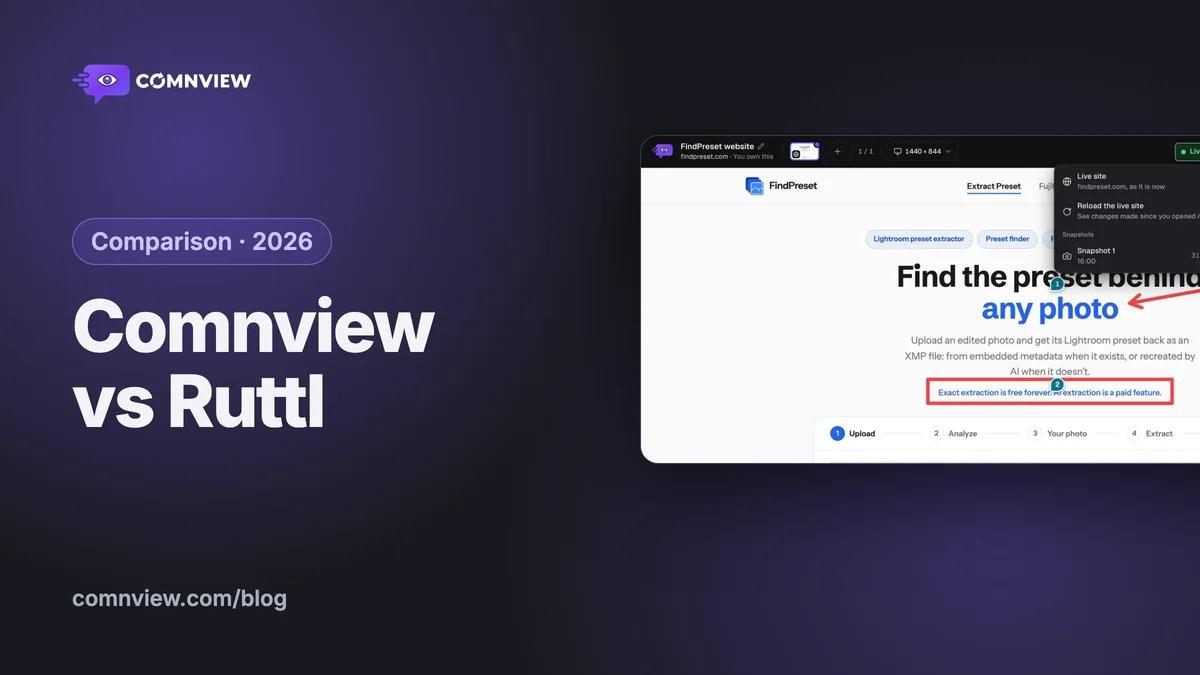
Comnview vs Ruttl: a Ruttl alternative for client feedback
Two tools that open a pasted link with nothing on the site: what each costs in a year, phones, localhost and signed-in pages, files, integrations and approvals, and where Ruttl is the better pick.
· 14 min readRead
 Comparison
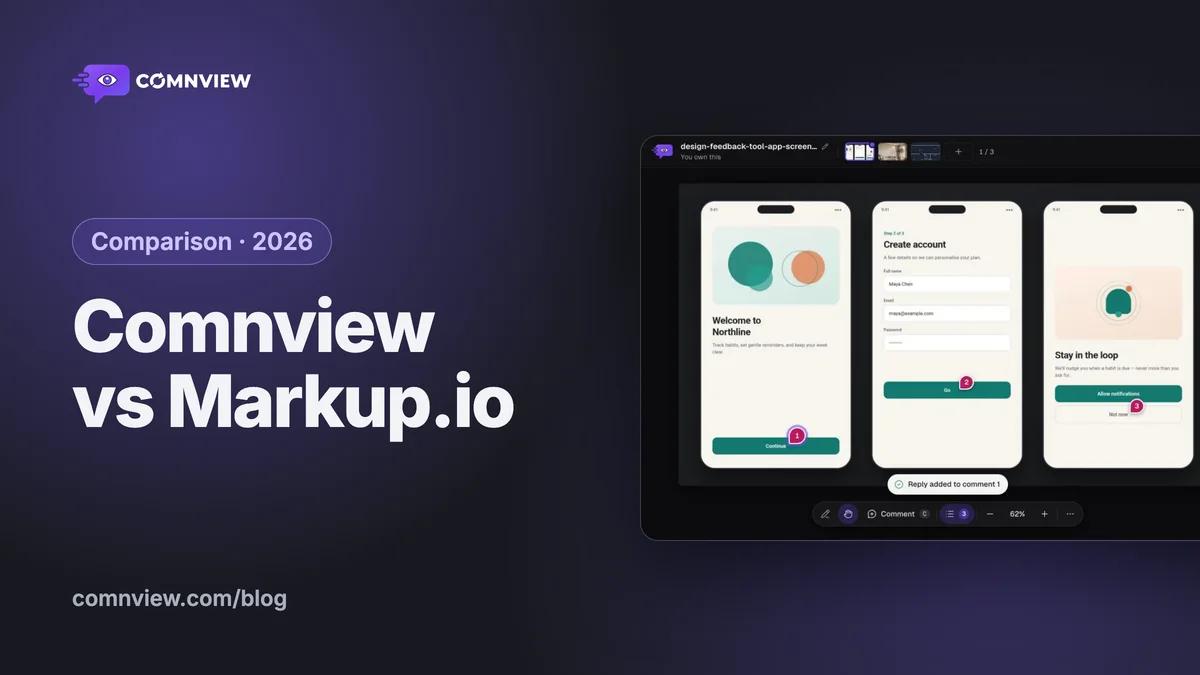
Comnview vs Markup.io: the free Markup.io alternative
The same review in both tools, side by side: what each costs, what your client needs to comment, files, websites (localhost too), versions and teams.
· 12 min readRead
 Comparison
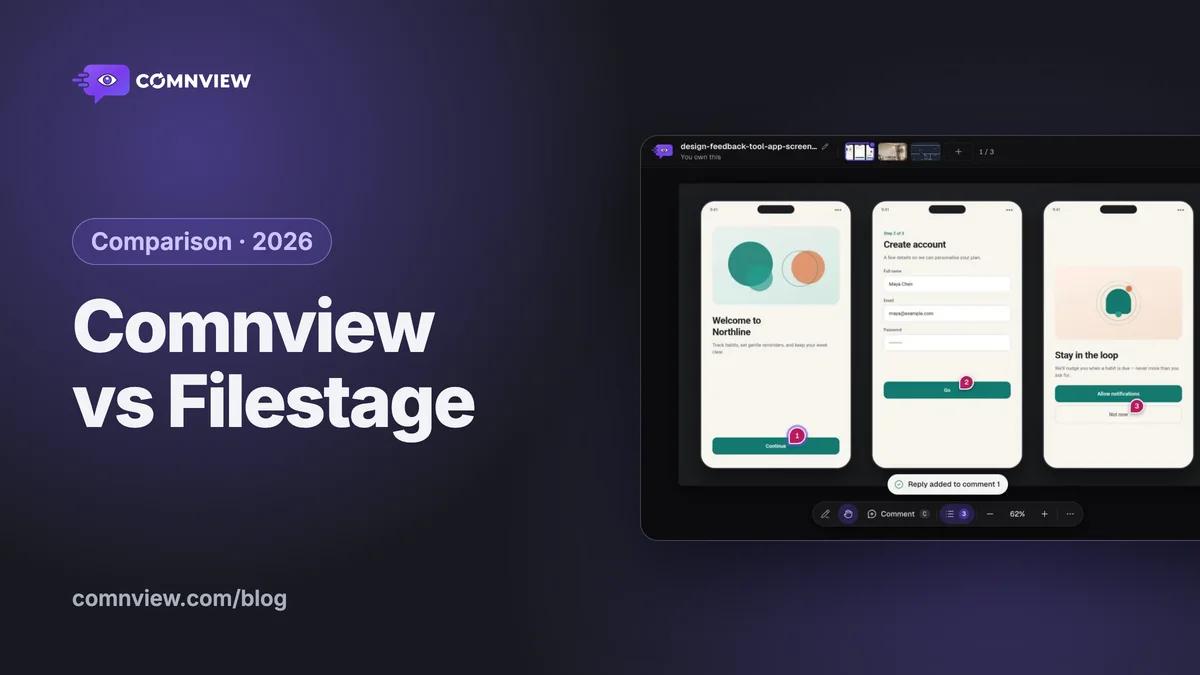
Comnview vs Filestage: a Filestage alternative for client feedback
Approval software against a client feedback tool: what each costs in a year, websites and localhost, designs and PDFs, video and approvals, and where Filestage is the better pick.
· 13 min readRead